


How to Claim and Verify Your Google Maps Listing for Effective Business Profile Management
Claiming and verifying your Google Maps listing is essential for enhancing your business’s online visibility and credibility. This process not only helps potential customers find your business but also ensures that the information displayed is accurate and up-to-date. In this article, we will explore the steps involved in claiming and verifying your Google Business Profile, the importance of maintaining accurate information, and tips for optimizing your listing. By following these guidelines, you can effectively manage your online presence and attract more customers.
Indeed, effective digital marketing and SEO strategies are paramount for local businesses aiming to thrive in today’s competitive landscape.
Digital Marketing & SEO for Local Business Growth
Purpose:This study investigates how digital marketing impacts local businesses, focusing on its role in enhancing customer engagement, sales performance, and brand building. It aims to address the challenges local businesses face in adopting digital marketing tools and strategies to achieve sustainable growth and competitive advantage in a digital-first environment.Research Design and Methodology:A qualitative literature review method was used, incorporating systematic thematic analysis and meta-synthesis of existing academic studies. Relevant sources were selected from databases like Google Scholar, JSTOR, ScienceDirect, and ProQuest. The analysis emphasizes key digital marketing elements such as social media marketing, email marketing, and search engine optimization (SEO), particularly their effects on local businesses.
The impact of digital marketing on local businesses, Y Yendra, 2024
Steps to Claim and Verify a Google Business Profile
Claiming and verifying your Google Business Profile involves a few straightforward steps that ensure your business is represented accurately on Google Maps. This process is crucial for local SEO and helps improve your visibility in search results.
For micro, small, and medium enterprises (MSMEs), leveraging platforms like Google Business Profile is particularly crucial for enhancing their digital presence and ensuring business sustainability.
Google Business Profile for MSME Digitalization & Visibility
This community service program aims to enhance the skills of MSME partners of MeykeTalentCookies Balikpapan in utilizing Google Business Profile to support business sustainability. The program was implemented through socialization activities, interactive discussions, and hands-on assistance, with a focus on creating and managing Google Business Profile and Google Maps accounts. Program evaluation employed a qualitative descriptive approach, with data collected through interviews and observations. The evaluation results indicate an improvement in participants’ understanding and skills related to the use of Google Business Profile. This improvement is reflected in the high level of participant engagement and their ability to independently apply and manage the platform. The program is expected to optimize the utilization of existing digital strategies, increase product visibility, and enhance the competitiveness of the MSME partner.
Strengthening the Capacity of Micro Enterprises Through Google Business Profile-Based Digitalisation Strategies, D Martiyanti, 2026
Claim Your Profile
To claim your Google Business Profile, follow these steps:
- Sign in with your Google account: Use the account associated with your business.
- Search for your business name: Enter your business name in the search bar.
- Fill in the required information: Provide accurate details about your business, including name, address, and phone number.
By completing these steps, you initiate the process of claiming your profile, which is the first step toward verification.
Verify Your Business
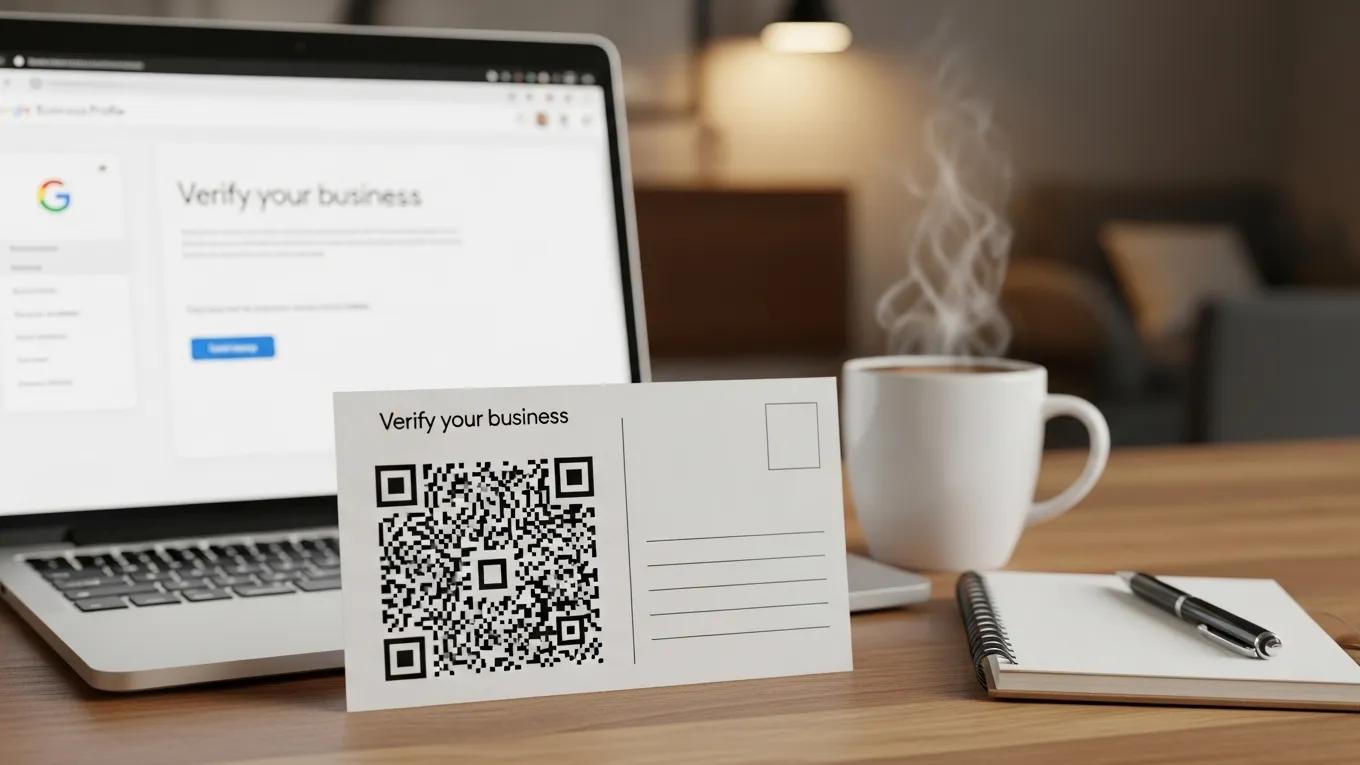
Once you have claimed your profile, the next step is to verify your business. There are several methods available for verification:
- Postcard verification: Google sends a postcard with a verification code to your business address.
- Phone verification: You may receive a verification call with a code.
- Email verification: If eligible, you can verify your business via email.
Choosing the right verification method is essential for ensuring that your business is accurately represented on Google Maps.
Importance of Accuracy
Maintaining accurate information on your Google Business Profile is vital for several reasons. First, accurate details enhance your visibility in local search results, making it easier for potential customers to find you. Second, consistency in your Name, Address, and Phone number (NAP) across various platforms builds trust with both customers and search engines. Inaccurate information can lead to lost opportunities and diminished credibility.
Studies further emphasize that a well-maintained Google Business Profile significantly influences local search results and fosters greater customer trust.
Google Business Profile Impact on Local Search & Customer Trust
This study focuses on how businesses could grow and show appear in local search results by using Google Business Profiles (GBPs). Before going to a store or using a service, a lot of people today perform a search on the internet, and Google Business Profile is crucial in helping local businesses connect with clients. The study examines how information such as a company’s location, contact information, hours of operation, website link, reviews, and images affect consumers’ choices. It also looks into how a company’s visibility on Google Maps and in local searches is enhanced by an active and updated profile. The study uses surveys to learn more about how people use Google Business Profiles when searching for local goods or services to better understand this. It is expected that the results will show that businesses with detailed and regularly updated profiles bring in more customers, get better feedback, and gain more trust among consumers.
A STUDY ON THE IMPACT OF GOOGLE BUSINESS PROFILE ON BUSINESS SUCCESS, B Sharma, 2025
Timelines for Verification Methods
The timelines for verification methods can vary based on the method chosen. Here’s a brief overview:
- Postcard verification: Typically takes 5-14 days to receive the postcard.
- Phone verification: Usually instant, with the code provided during the call.
- Email verification: Generally immediate, allowing for quick verification.
Understanding these timelines helps you plan your business’s online strategy effectively.
Tips for Optimizing Your Listing
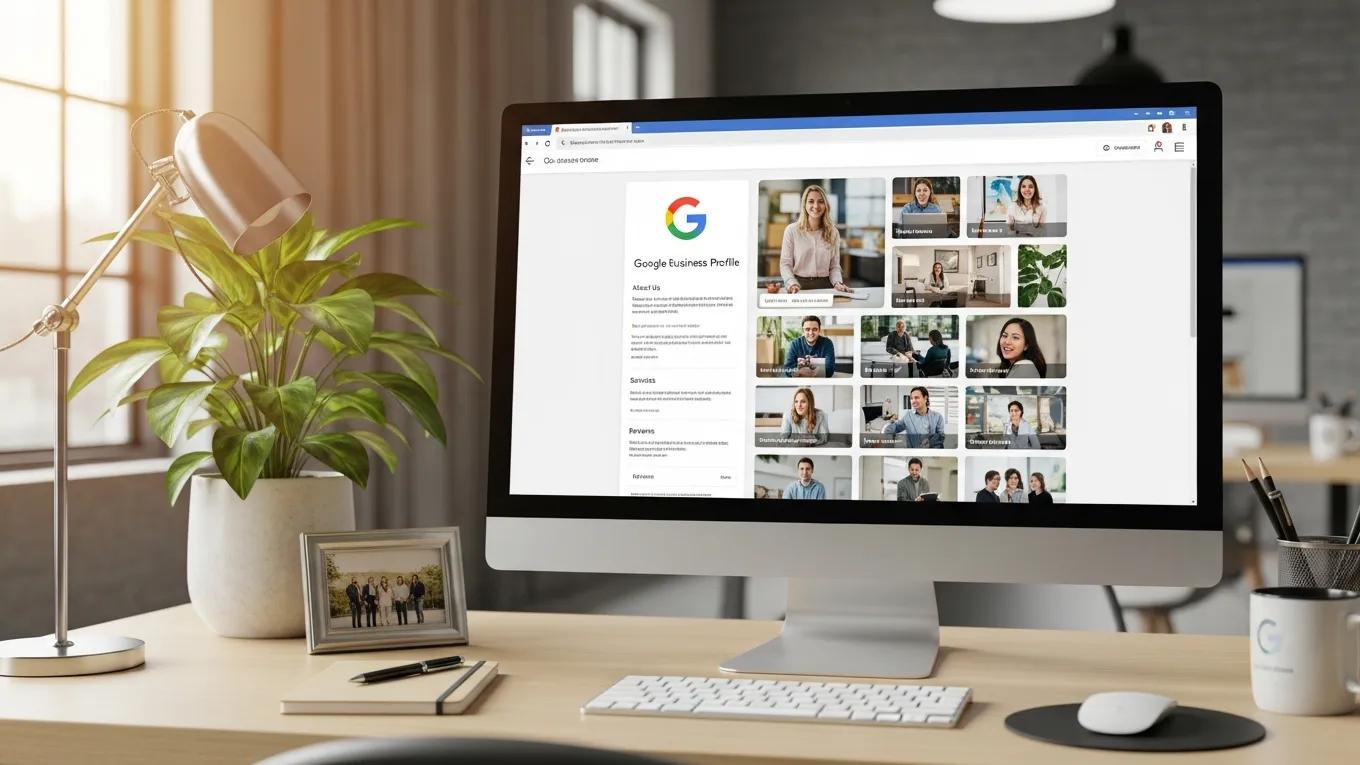
To maximize the effectiveness of your Google Business Profile, consider the following tips:
- Complete every section: Ensure all information is filled out, including business hours and services.
- Add high-quality photos: Visual content can significantly enhance your profile’s appeal.
- Collect and respond to reviews: Engaging with customers through reviews builds trust and encourages more feedback.
Implementing these strategies can lead to improved customer engagement and higher conversion rates.
What Are the Essential Steps to Claim Your Google Business Profile?
The essential steps to claim your Google Business Profile include:
- Accessing Google Business Profile: Navigate to the Google Business Profile page.
- Searching for your business: Enter your business name to find your listing.
- Claiming your profile: Follow the prompts to claim and verify your business.
These steps are crucial for establishing your online presence and ensuring that your business is accurately represented.
How Do You Initiate the Claim Process on Google Maps?
To initiate the claim process on Google Maps, you need to:
- Visit Google Business Profile: Go to the official Google Business Profile page.
- Search for your business: Type in your business name to locate your listing.
- Follow the prompts: Click on the option to claim your business and provide the necessary information.
This straightforward process sets the foundation for managing your business’s online presence.
What Information Is Required to Establish Business Ownership?
To establish ownership of your business, you will need to provide:
- Business name: The official name of your business.
- Address: The physical location of your business.
- Phone number: A contact number for customers.
Providing accurate and complete information is essential for a successful verification process.
Which Verification Methods Are Available and How Long Do They Take?
There are several verification methods available, each with its own timeline:
- Postcard verification: Takes 5-14 days.
- Phone verification: Instant verification via a phone call.
- Email verification: Immediate verification through email.
Choosing the right method based on your needs can streamline the verification process.
How Does the Postcard Verification Process Work?
The postcard verification process involves receiving a postcard from Google at your business address. This postcard contains a unique verification code that you must enter into your Google Business Profile to complete the verification process. This method ensures that the business address is legitimate and helps maintain the integrity of the information displayed.
What Are Phone and Email Verification Options and Their Timelines?
Phone and email verification options provide quicker alternatives to postcard verification.
- Phone verification: You will receive a call from Google with a verification code, allowing for immediate verification.
- Email verification: If eligible, you can verify your business through a link sent to your registered email, which is also instant.
These methods are efficient for businesses looking to verify their profiles quickly.
How Can You Manage Access Roles and Permissions in Google My Business?
Managing access roles and permissions in Google My Business is essential for collaborative management of your business profile. Different roles allow for varying levels of access and control.
What Are the Differences Between Owner, Manager, and Site Manager Roles?
In Google My Business, there are three primary roles:
- Owner: Has full control over the business profile, including the ability to add or remove users.
- Manager: Can edit the business information and respond to reviews but cannot remove the owner.
- Site Manager: Has limited access, primarily for managing specific aspects of the profile.
Understanding these roles helps in effectively managing your business’s online presence.
How Do You Add or Remove Users from Your Business Listing?
To add or remove users from your business listing, follow these steps:
- Sign in to Google My Business: Use your owner account.
- Select the business: Choose the business you want to manage.
- Navigate to Users: Click on the Users tab to manage access.
- Add or remove users: Follow the prompts to add new users or remove existing ones.
This process ensures that only authorized individuals have access to your business profile.
What Are Common Verification Issues and How Can You Troubleshoot Them?
Common verification issues include NAP consistency across directories and duplicate listings. These problems can hinder the verification process and affect your business’s visibility.
Why Might Verification Fail and How Can You Resolve It?
Verification may fail due to incomplete profiles or inconsistent information. To resolve these issues, ensure that all information is accurate and complete before resubmitting your verification request.
How Do Recent Google Business Profile Updates Affect Verification?
Recent updates to Google Business Profile have streamlined the verification process, making it easier for businesses to claim and manage their listings. Staying informed about these changes is crucial for maintaining an effective online presence.